Lazygrid POS · For NZ hospitality & retail

One POS system. Built around how you trade.

Run your counter, floor, kitchen and back office from one connected setup.

Start with checkout and payments. Add the ordering, kitchen and management tools your business needs.

One connected operation
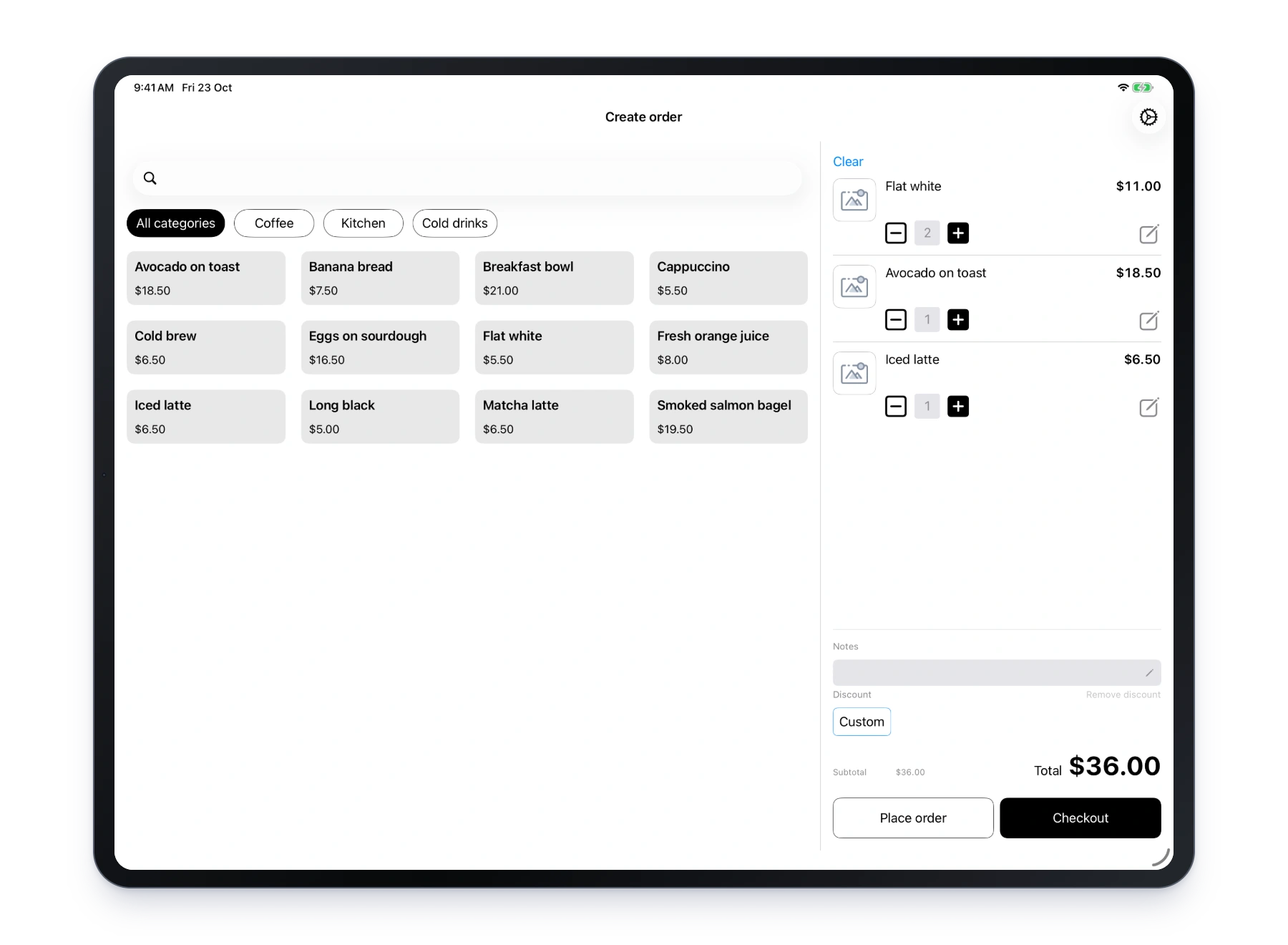
Lazygrid iPad checkout with a café menu and shopping cart
At the counterIn the kitchen or stockroomIn the back office

01 / Counter, tables & payments

From the first order to the final tap.

Manage orders, tables, split bills and refunds in one POS. Send the total straight to your supported terminal.

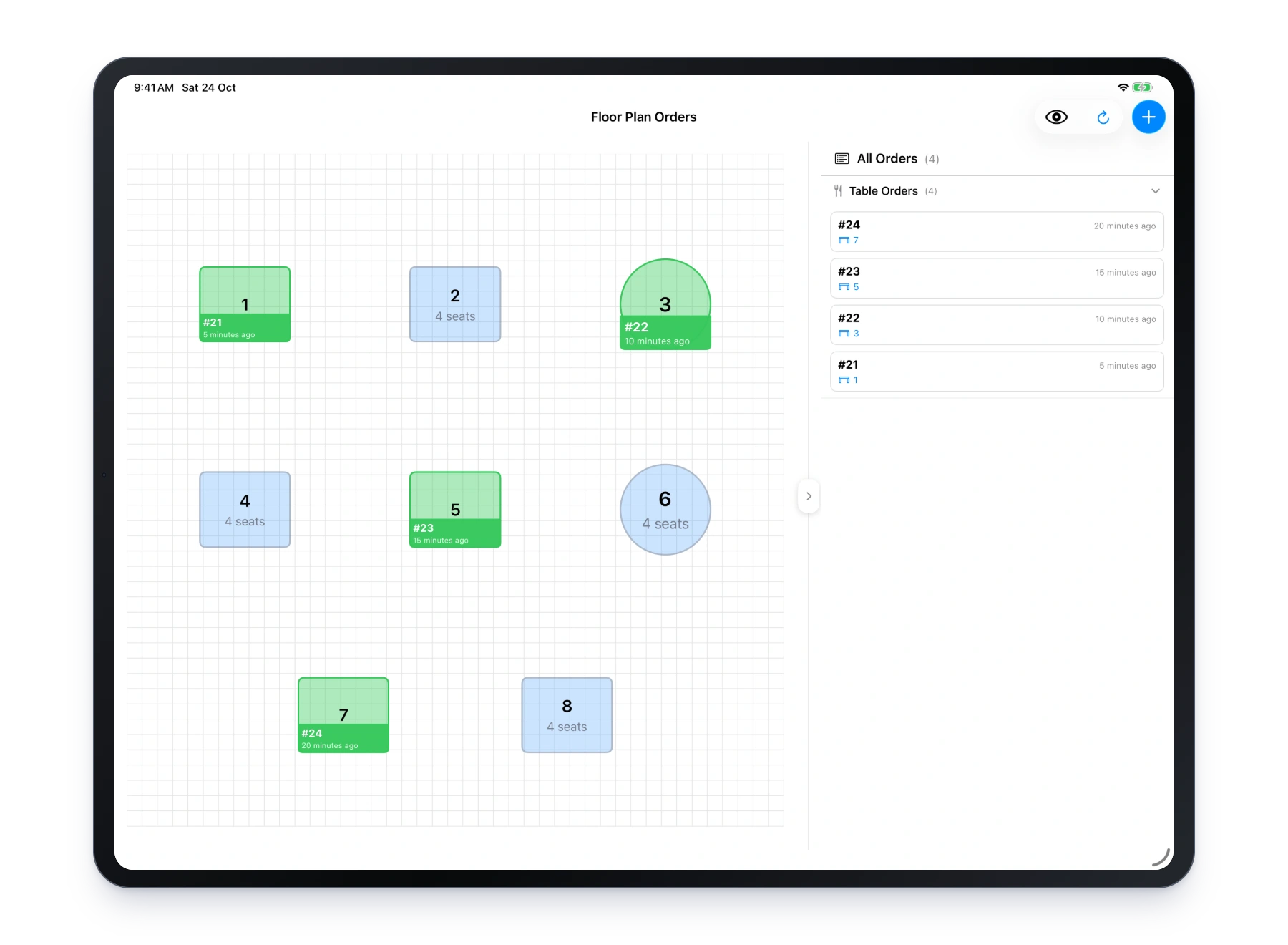
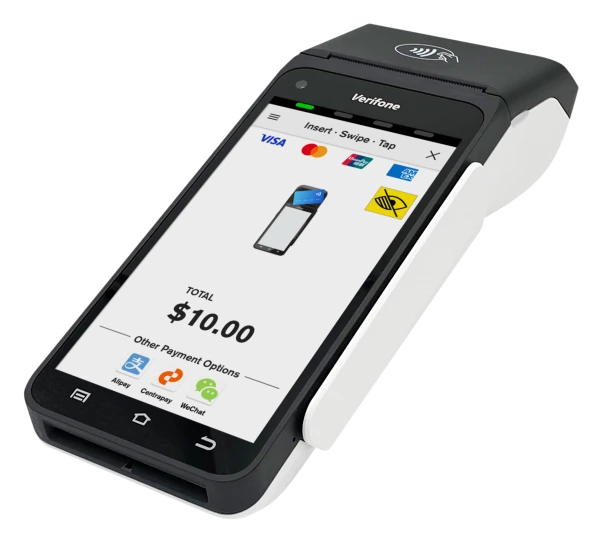
Lazygrid iPad floor plan with dining tables Verifone T650p payment terminal, one supported EFTPOS NZ option
Tables & ordersFlexible split billsIntegrated payments

Certified terminal partnerships

  • Shift4
  • EFTPOS NZ (Verifone)
  • Windcave
Explore payment terminals

Example setup shown. Terminal availability, onboarding and processing charges vary by provider.

02 / Ordering channels

More ways for customers to order. One queue for your team.

At the counter, at the table or online. Orders come back to the same POS.

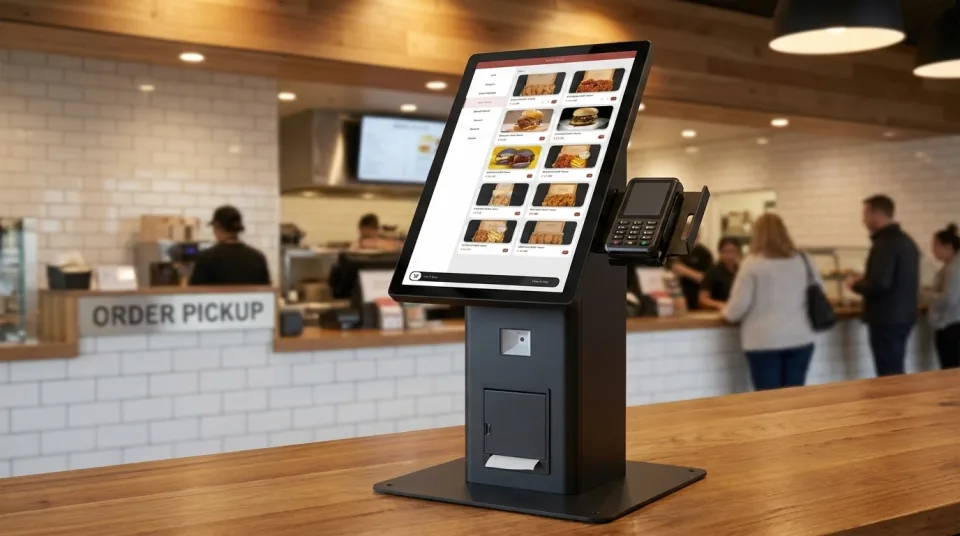
Lazygrid countertop kiosk with ordering screen, terminal and receipt printer
Self-service, connected to your existing operation.
In person

At the counter or table

Fast checkout and tableside ordering for your team.

On their own device

Your direct online ordering

Take pickup and delivery orders through your own website.

Stripe New Zealand partner
Connect online payments as part of your Lazygrid setup.

Explore online & QR ordering

03 / Prep & delivery

From confirmed order to ready, without the bottlenecks.

Send confirmed orders to the right kitchen or bar station. No re-entry.
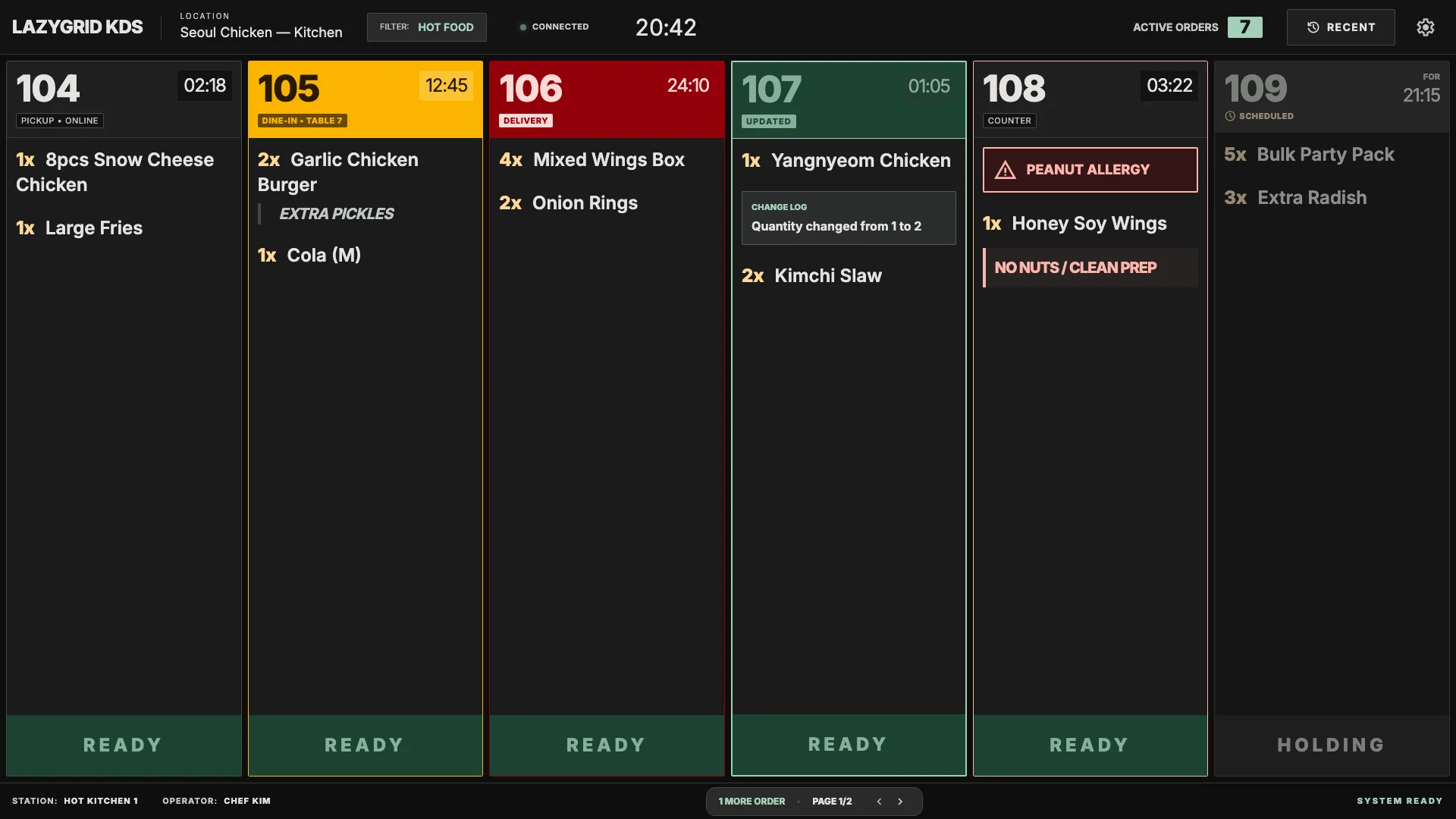
Lazygrid kitchen display showing the live preparation queue
Lazygrid KDS · a shared view of the work ahead

Kitchen screens, printed dockets or both.

Keep the queue visible on KDS. Use category routing for kitchen or bar stations, with screens, compatible printers or both.

04 / Behind the sale

Run the business.
Not a collection of tools.

Stock, customers and people, from one store to a multi-entity business. All part of Lazygrid POS.
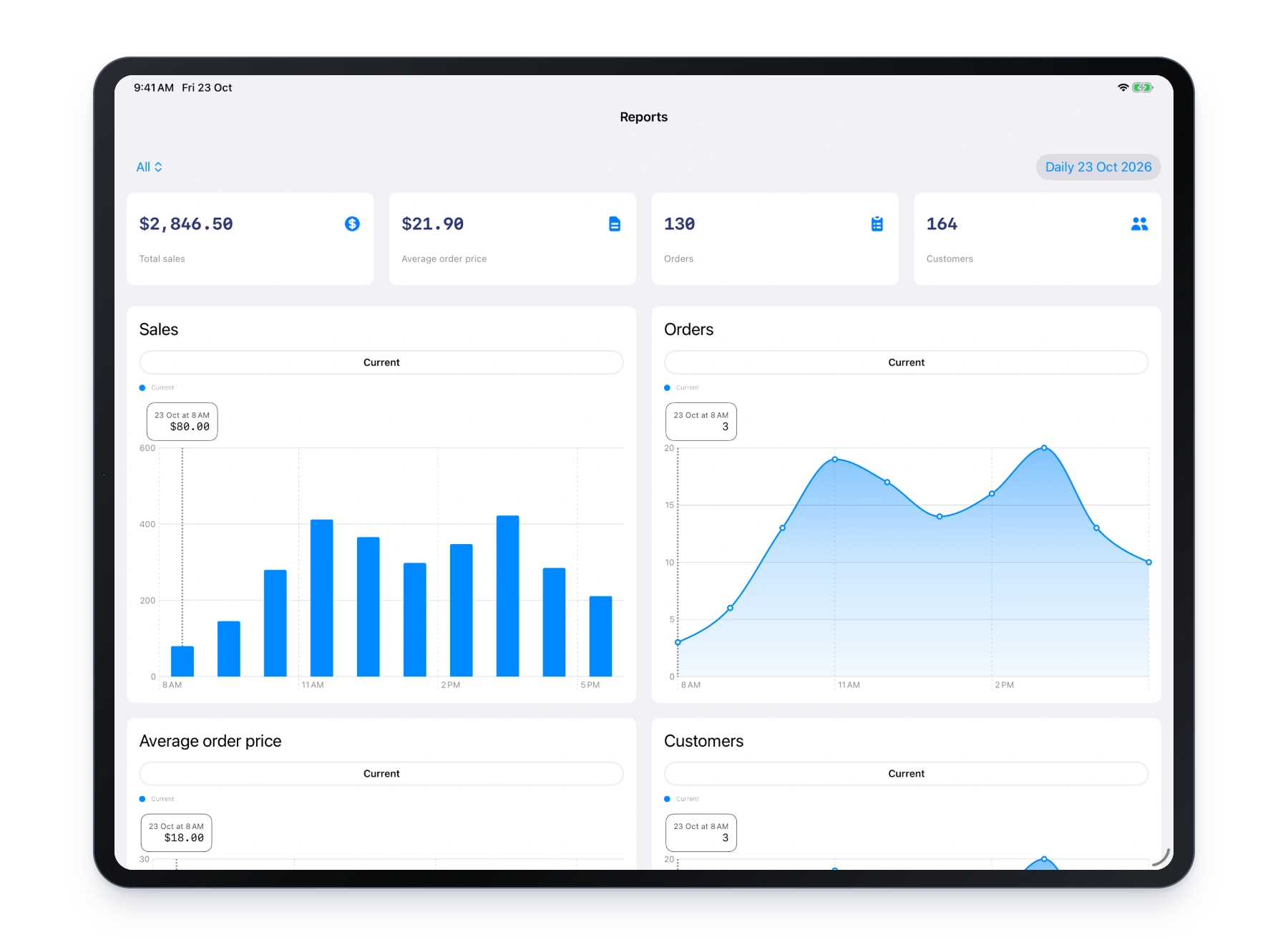
Lazygrid iPad sales reports with sales totals and hourly charts
Your sales, in view.

Stock, stores & sales

See how the business is doing.

Catalogue & stock tracking
Products, options, add-ons, SKUs and barcodes. Track stock received, adjusted or returned, with movement history.
Multi-store, multi-entity management
Switch between stores, including locations under different business entities within one enterprise.
Built-in & standalone Reporting
Access sales and category reports in the POS or standalone Reporting system. Share sales data with finance.
Plans & availability

Inventory tracking and barcode scan-to-cart start on Standard.
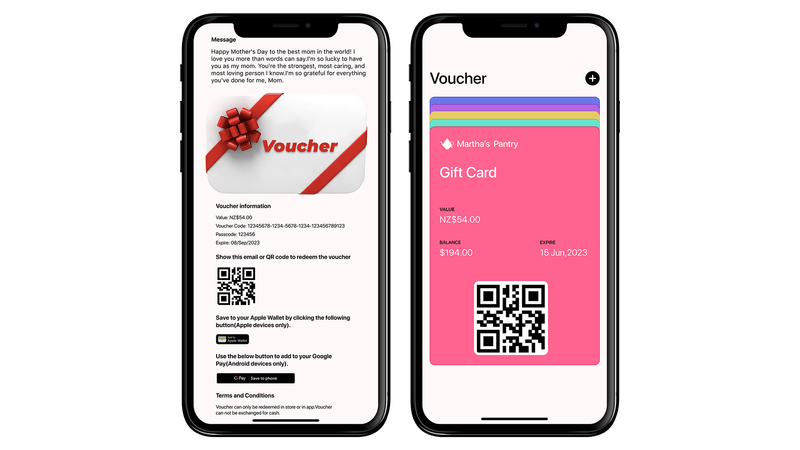
Lazygrid digital gift voucher and Gift Card with a QR code on two phones
Gift vouchers customers can keep on their phone.

Customers, loyalty & credit

Give people a reason to return.

Customers, loyalty & promotions
Keep customer records, reward repeat visits and run promotions.
Gift Card / Voucher
Sell and redeem prepaid gift vouchers.
Customer Accounts
Offer house credit with limits, balances, repayments and statements. Separate from prepaid vouchers.
Plans & availability

Loyalty, gift vouchers and Customer Accounts are available on Standard and Premium.
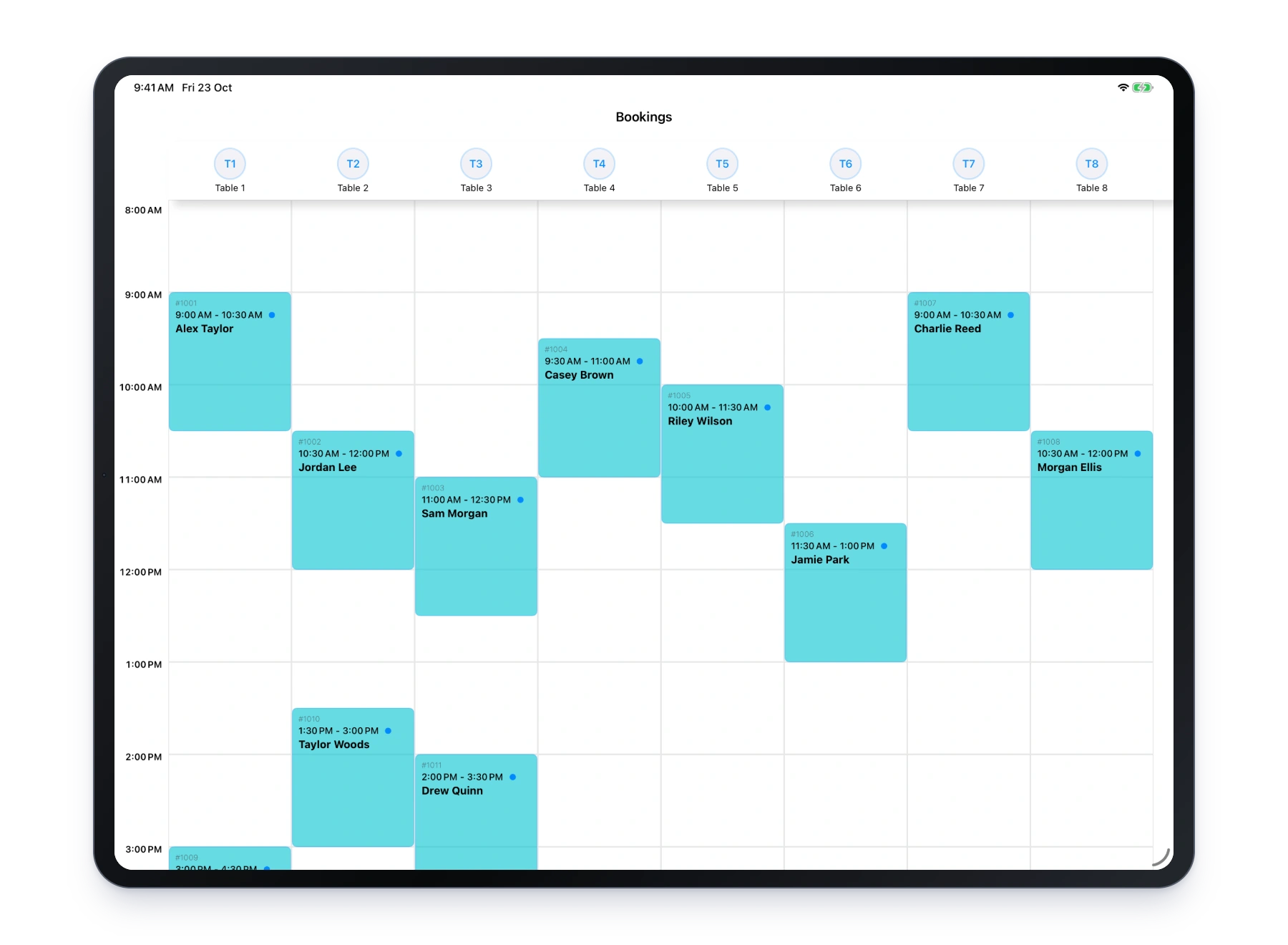
Lazygrid iPad booking schedule with table reservations
See the day’s reservations at a glance.

Bookings & people

Get ready for the next busy day.

Bookings & reservations
Manage tables, rooms, resources and service appointments. Connect eligible restaurant bookings to Reserve with Google.
Staff & attendance
Individual sign-ins, permissions and employee clock-in / clock-out records for attendance and time worked.
Plans & availability

Bookings start on Standard. Reserve with Google requires Premium and an eligible setup. Staff login allowances vary by plan; contact us to enable time-clock attendance.

Choose the capabilities that fit your business. Inclusions vary by plan and setup.

Compare plans

05 / Example setups

See how the pieces fit together.

Three ways to combine Lazygrid POS. These are examples, not fixed packages.

A busy café

Keep counter and kitchen in sync.

  • Counter POS + payments
  • Kitchen printing or KDS
  • Loyalty for regulars
Explore café POS

A table-service restaurant

Connect the floor, reservations and kitchen.

  • Tables + split bills
  • Bookings + reservations
  • Kitchen display or printing
Explore restaurant POS

A neighbourhood shop

Bring checkout, stock and house credit together.

  • Barcode checkout
  • Stock tracking
  • Customer Accounts
Explore retail POS

Looking for another type of business?

Explore all industries
Choose your hardware

Build a POS setup that fits the way you trade.

Tell us how you trade. We’ll help you find the right setup.