17:30
After-work arrivals
Use quick product access and open orders to move the first round through the counter.

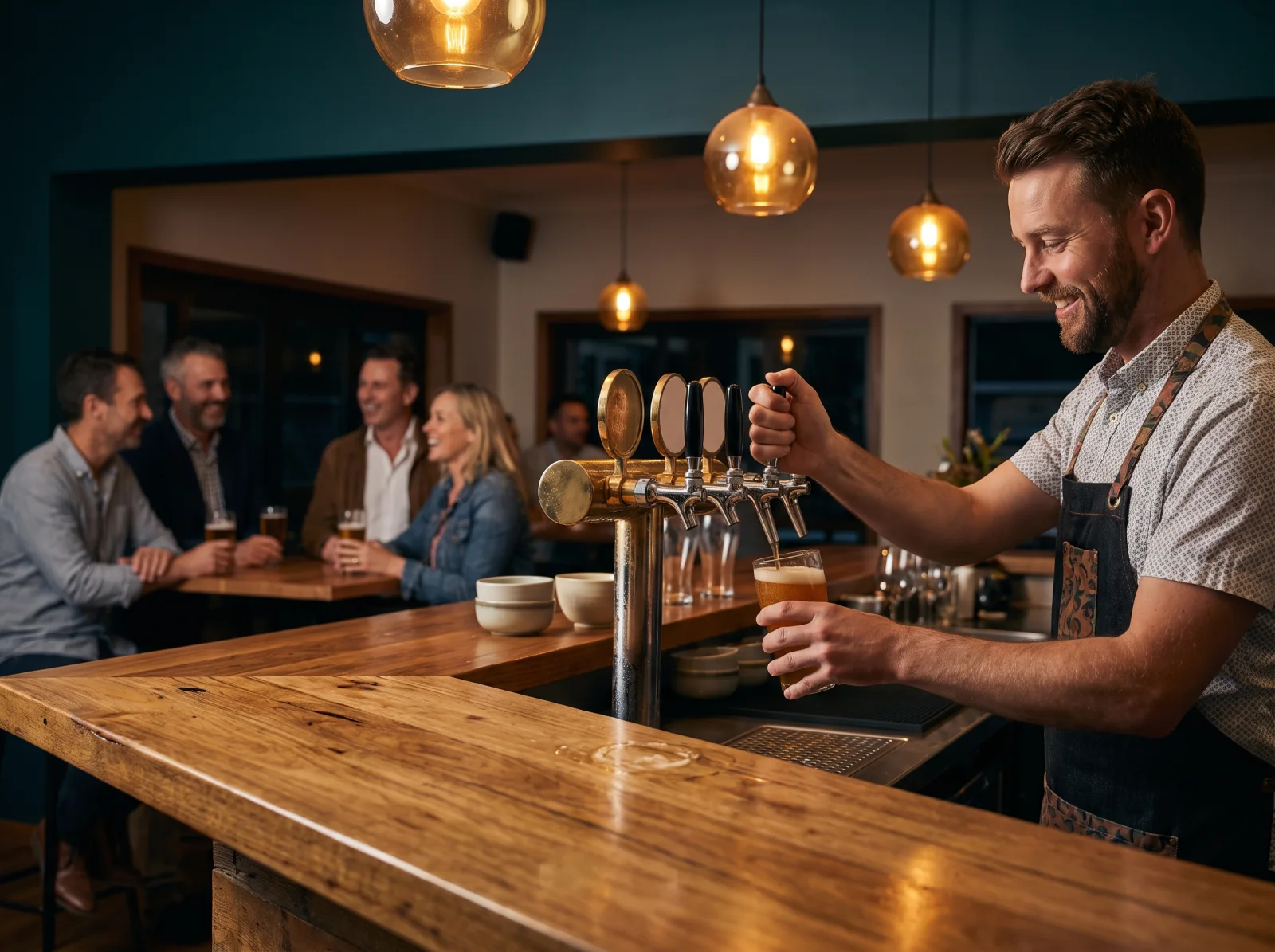
Built for the pace of service
Open the order, add the next round, route food and drinks, then settle the way the group needs—without losing the thread of service.
Open orders
Split bills
Bar + kitchen routing
Integrated EFTPOS
One service, four moves
Lazygrid gives staff a clear sequence from the first drink to the final payment while keeping production and settlement connected.
Start a counter, table or customer order without forcing immediate settlement.
Keep drinks, food and available modifiers together as service continues.
Send each product category to the configured bar or kitchen destination.
Split the bill when needed and complete payment through your connected terminal.
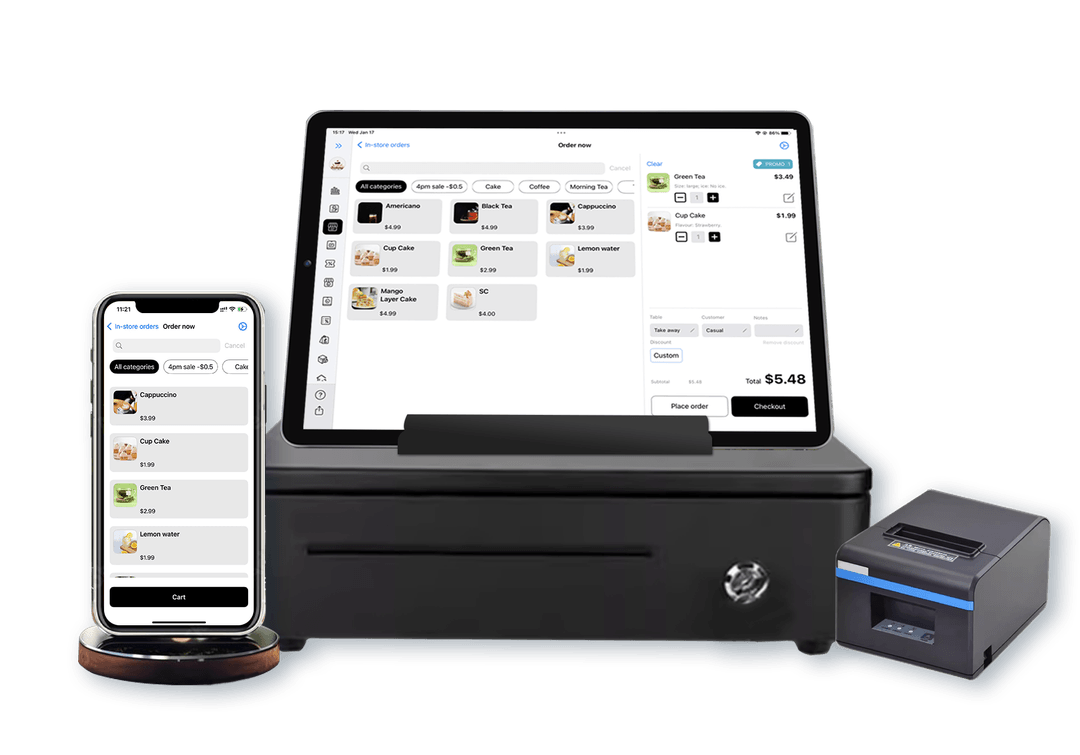
Counter, floor and pass
Use the Apple devices that fit the room, then connect order entry, printing, payment and reporting back to the same Lazygrid operation.
Take an iPhone or iPad to the service point instead of sending every interaction back to one fixed till.
Connect supported EFTPOS NZ, Windcave, Shift4 or Stripe terminals.
Direct drinks and food categories to the configured bar, kitchen or service destination.
Keep sales together for reporting instead of reconciling disconnected ordering tools.
Designed around real bar pressure
17:30
Use quick product access and open orders to move the first round through the counter.
20:15
Route categories to the right preparation point while keeping the guest order together.
23:40
Split the bill where required and finish payment through the connected terminal workflow.
Bar POS questions
Yes. Staff can keep an order open, add items during service and complete payment when the guest is ready. This is an order workflow, not a claim of card pre-authorisation.
Yes. Lazygrid supports split-bill workflows so groups can settle an order in the way that fits the service.
Yes. Products can be routed by category to the appropriate bar, kitchen or service printer, and compatible KDS routing can be added where required.
Lazygrid supports integrations with EFTPOS NZ, Windcave, Shift4 and Stripe. The exact terminal setup depends on your provider and venue.
Lazygrid runs on iPad and iPhone, so venues can use a portable Apple device for floor or table-side order entry where that suits their workflow.
Tell us how your bar takes orders, routes food and drinks, and settles payments. We will help shape the right setup.