
Give every customer their own place to order.
Lazygrid Kiosk lets customers browse, order and pay on a dedicated Android device—then sends each confirmed order into the same POS and kitchen workflow your team already uses.
Built for service
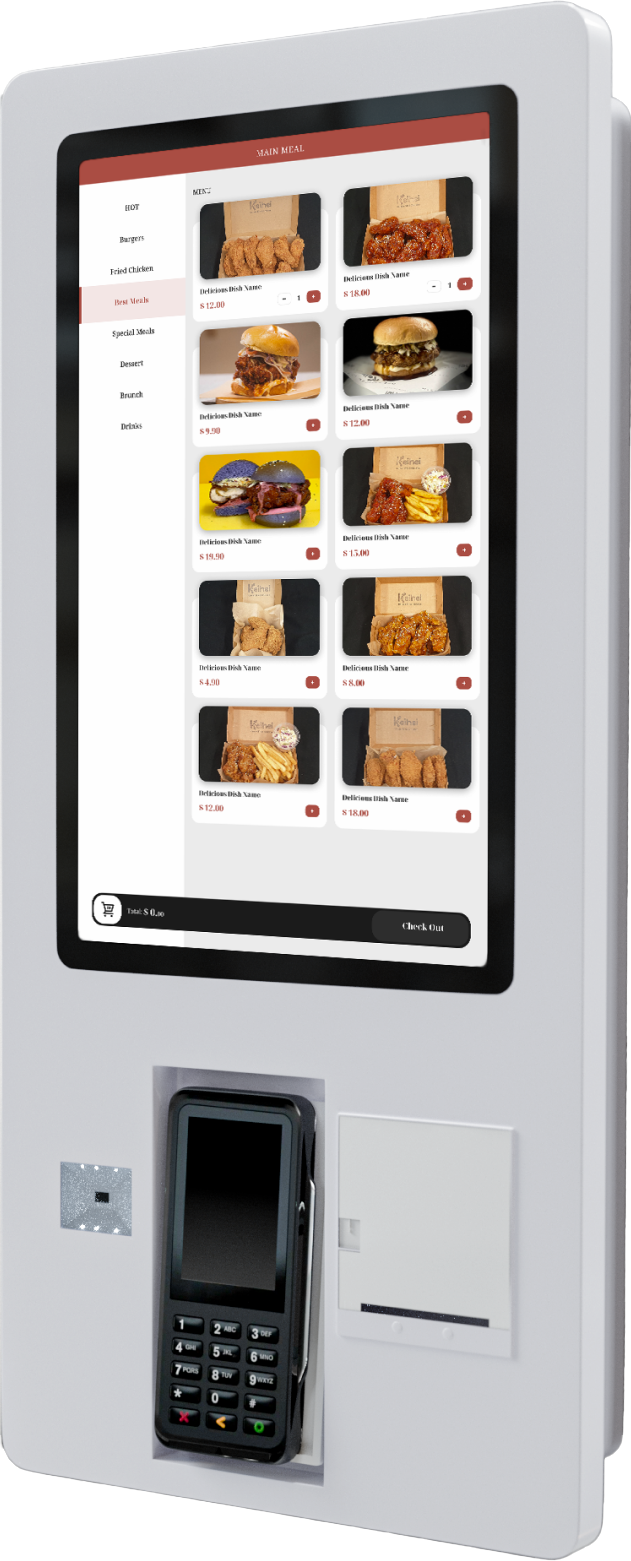
Dedicated Android hardware
- Display
- 21.5-inch touch screen
- Platform
- Dedicated Android device
- Payment
- Wired or wireless terminal
- Operations
- POS, kitchen and local print
One connected flow
From menu to kitchen, without a second system.
The kiosk is another ordering point inside Lazygrid—not a separate menu or an isolated order queue. Your team keeps working from the tools already connected to the POS.
- 01
Browse
Customers explore your menu and categories on a large 21.5-inch touch display.
- 02
Choose
They select products and available options at their own pace before reviewing the order.
- 03
Pay
A connected unattended terminal handles payment within the ordering flow.
- 04
Prepare
The confirmed order moves into Lazygrid POS and your connected kitchen workflow.
A clearer counter option
Let the customer take the lead.
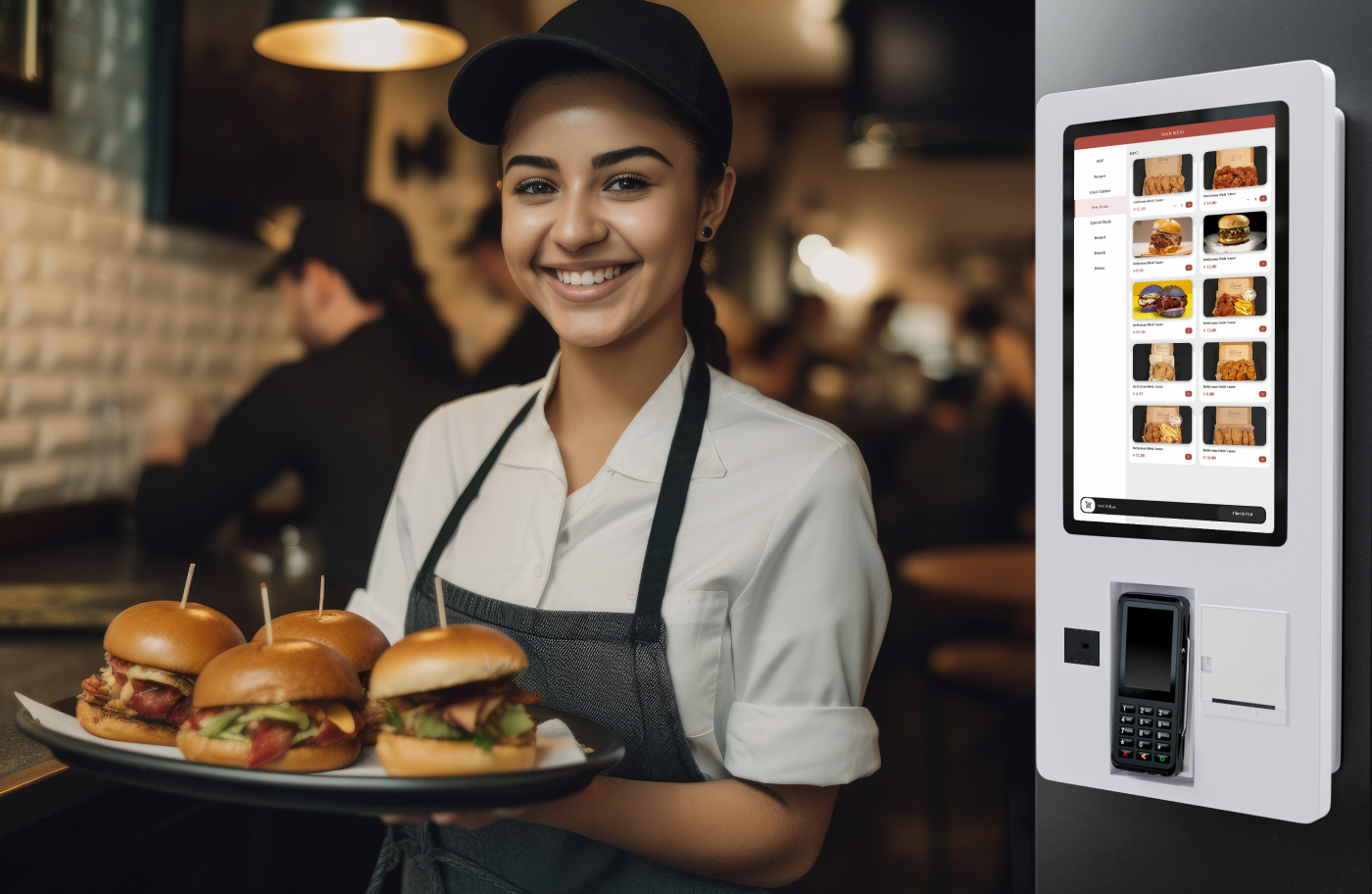
Some customers want time to read the menu and make their choices. A self-ordering kiosk gives them a dedicated place to do that while staff continue serving at the counter.
One menu, one operation
Orders stay connected to Lazygrid POS, with the same kitchen workflow and local printing options available to the team.
Unattended payment
Connect the terminal that fits your deployment.
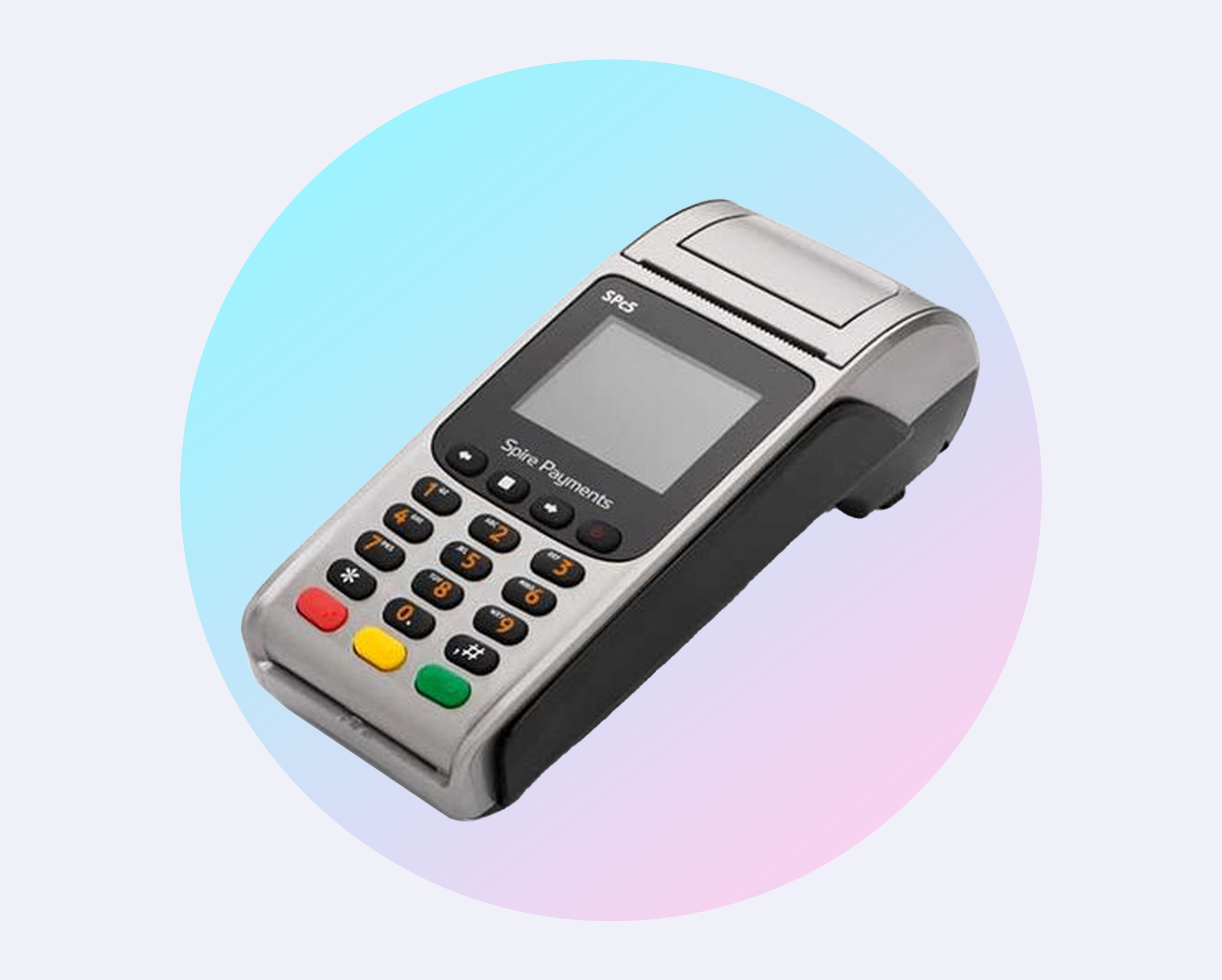
Lazygrid Kiosk supports compatible wired or wireless payment terminals. The terminal is configured for unattended operation so customers can finish the payment as part of the kiosk flow.
Supported integrations
- EFTPOS NZ
- Windcave
- Shift4
- Stripe
Terminal availability and connection method depend on the payment provider, merchant account and physical installation.
Plan the deployment
A kiosk setup shaped around your venue.
Placement, mounting, payment connectivity and printing all affect the final setup. We work through those details with you before quoting the deployment.
Indicative rental
NZD 200–300
per month, depending on the deployment
Agreement
Long-term contract
Required when the kiosk equipment is rented.
Get an exact deployment quote
Tell us about your venue, service flow and preferred payment provider. We will recommend the hardware and confirm the monthly price.
Talk to us about KioskQuestions
Self-Service Kiosk FAQ
What hardware does the Lazygrid self-service kiosk use?
The standard kiosk is a dedicated 21.5-inch Android ordering device. We will recommend the mounting, payment terminal and printing setup for your site.
Can customers order and pay at the kiosk?
Yes. Customers can browse the menu, choose options, place their order and complete payment on the kiosk without needing to order at the counter.
Which payment terminals can be connected?
Lazygrid supports compatible terminals from EFTPOS NZ, Windcave, Shift4 and Stripe. The terminal needs to be configured for unattended use, and the exact wired or wireless setup depends on the provider and deployment.
How do kiosk orders reach the team?
Confirmed kiosk orders flow into Lazygrid POS and the connected kitchen workflow. The kiosk can also print locally through its device service when a receipt or order ticket is required.
How much does a self-ordering kiosk cost?
Each deployment is quoted individually. As a guide, equipment rental is usually NZD 200–300 per month, depending on the hardware, payment and installation setup. Rented equipment requires a long-term agreement.
Does the kiosk need an internet connection?
Yes. Lazygrid Kiosk is designed for online operation, so a reliable internet connection is required for ordering, payment and synchronisation.
Ready to Transform Your Business?
Join hundreds of businesses already using Lazygrid POS