
NZ Multi-Site POS Playbook: Scale From 1 to 3 Locations
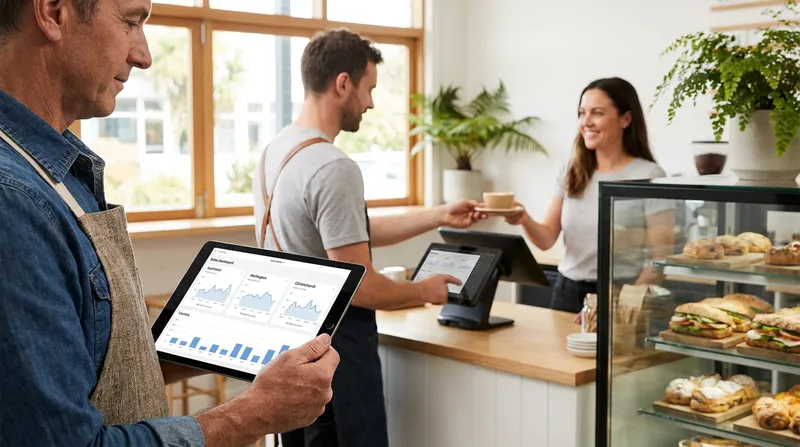
Opening a second or third location is a thrilling milestone for any business owner. But the excitement quickly fades when you face the operational reality of managing multiple venues with disjointed technology. Suddenly, you are manually updating menus across different iPads, guessing inventory levels, and downloading endless CSV files just to figure out your total daily revenue.
The right multi-site POS system NZ operators trust should multiply your profits, not your administrative headaches, without charging enterprise-level fees for features you will never use. This guide provides a clear roadmap for navigating the "missing middle" of business growth, helping you manage centralized menus, cross-location stock transfers, and unified reporting on a small business budget.
The Missing Middle: Scaling Beyond a Single Location
Opening a new branch means more revenue, but it also multiplies your administrative workload if your technology cannot keep up. Many owners fall into the "missing middle" trap. Their single-site systems break down under the pressure of cross-venue management, but upgrading to an enterprise system feels like a massive financial overkill for just two or three locations.
According to the Ministry for Regulation New Zealand, the hospitality sector generates $15.7 billion in sales. However, we consistently observe that overlapping and outdated operational complexities are holding back independent growth. You need a system that scales gracefully and simplifies your daily operations. If you are still using legacy hardware that requires manual updates at the end of each day, you might already be caught in what we call the POS trap: why NZ venues are switching to iPad POS.
Actionable Tip: Audit your current weekly administrative hours. If you or your managers spend more than two hours a week reconciling data between locations or manually updating menus, it is time to evaluate a multi-location restaurant management solution.
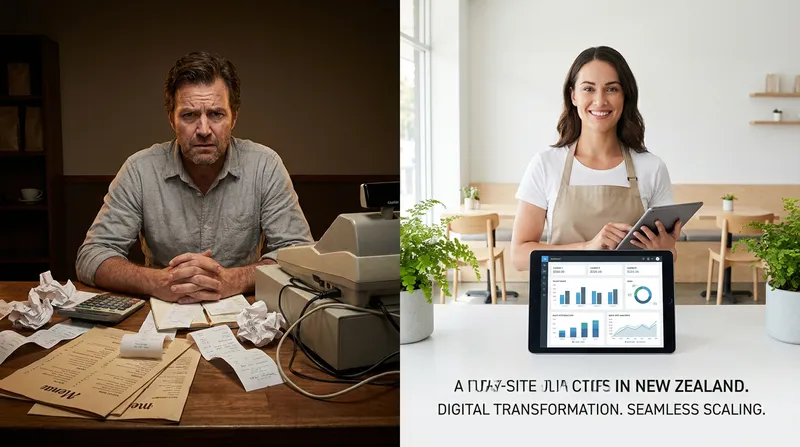
What is a Multi-Site POS System?
A multi-site POS system is a cloud-based software solution designed to connect two or more physical locations under a single centralized database. Unlike a standalone terminal that only stores data locally on a hard drive, a cloud POS for franchises NZ syncs all data in real-time to a secure cloud server.
This means a price change made at your headquarters instantly updates the registers at your suburban cafe, your CBD restaurant, and your weekend food truck. For an SMB multi-site point of sale, the architecture relies on cloud synchronization to keep everything from stock levels to customer profiles perfectly aligned, giving you a bird's-eye view of your entire operation from your laptop or smartphone.
Actionable Tip: When evaluating new software, ask the provider to demonstrate a live menu update across two test terminals. Verify the sync speed yourself to ensure it happens in seconds, not overnight.
4 Signs Your Current POS is Bottlenecking Your Growth
How do you know it is time to transition to managing multiple cafes software? Look for these four critical red flags in your daily operations:
- Manual Menu Updates: You are typing the exact same seasonal menu changes, modifiers, and allergen warnings into different iPads at each location.
- Inventory Blind Spots: Your CBD branch runs out of oat milk while your suburban branch has a surplus, but your system cannot tell you this until it is too late.
- Reporting Nightmares: You spend your Sunday nights downloading separate CSV files and manually combining them in Excel just to calculate your total weekend revenue.
- Siloed Customer Data: A loyal client visits your new beauty salon branch, but the staff has no record of their past treatments or preferences. If this sounds familiar, read our Timely & Fresha alternatives: NZ salon POS guide 2026 to see how unified databases fix this issue permanently.
Actionable Tip: Ask your staff to log how many times a week a customer asks for a product that is out of stock, or how often a regular is not recognized at a new branch. Use this concrete data to justify the ROI of your software upgrade.
Centralized Menu and Pricing Control
When you have a POS with centralized menu management, you eliminate the risk of human error and save hours of tedious data entry. You can "push" updates from a central dashboard to all terminals instantly. This centralized approach ensures your flat white tastes and costs exactly what the customer expects, whether they order at the counter or through a self-service kiosk.
Industry insights from Hotel Tech Report highlight that centralized menu management with fast updates is a critical baseline feature for multi-outlet hospitality venues to avoid manual reconciliation errors. Furthermore, a top-tier franchise point of sale system allows for location-specific pricing. You might need to charge slightly more at a high-rent airport location compared to a suburban food truck, while still keeping the core item the same in your backend reports.
Actionable Tip: Structure your master menu logically before expanding. Create a single master item (like "Avocado Smash") and use price overrides for different locations, rather than creating duplicate items like "Avocado Smash - CBD" and "Avocado Smash - Airport". This keeps your menu engineering NZ: calculate food cost & boost profits reports clean and accurate.
Cross-Location Inventory and Stock Transfers
Many growing NZ brands use a central prep kitchen to supply satellite cafes or retail shops. This operational model makes a cross-location stock transfer POS absolutely essential for survival.
With a centralized inventory management POS, you can digitally transfer stock with a few taps. The prep kitchen logs items as "sent", and the receiving cafe logs them as "received". This keeps your cost of goods sold (COGS) perfectly accurate across all venues and prevents phantom inventory loss. According to Retail NZ, using robust inventory management software allows businesses to automate day-to-day processes, resulting in fewer stock errors and greater visibility across the entire supply chain.
Actionable Tip: Set up automated low-stock alerts that factor in multi-venue data. If the central kitchen is running low on a base ingredient, the system should alert your purchasing manager before the satellite cafes place their daily internal orders.
Unified Customer Profiles for Service Businesses
For beauty shops, massage parlours, and retail stores, the customer experience is everything. A multi-outlet POS NZ ensures that when a client visits a new branch, the staff already knows their past treatments, product preferences, and purchase history. Customers can also redeem gift cards and vouchers at any of your locations, removing a common friction point for multi-site brands.
This unified approach extends directly to your marketing and loyalty programs. Centralized loyalty points encourage customers to visit any of your brand's locations, knowing their rewards will track seamlessly no matter where they swipe their card or scan their phone. You can learn more about modernizing this process to increase retention in our guide on digital loyalty cards NZ: ditch paper stamps in 2026.
Actionable Tip: Train your staff at all locations to ask, "Have you visited any of our other branches?" If the answer is yes, staff should use the POS search function to pull up the client profile immediately, creating a highly personalized VIP experience that builds instant rapport.
Handling Offline Trading for Mobile Food Trucks
New Zealand's beautiful geography means internet connectivity can be notoriously unreliable, especially for remote pop-ups, farmers markets, or regional festival sites. If you operate food trucks alongside your brick-and-mortar cafes, your multi-store business software NZ must handle offline trading flawlessly.
A robust system will seamlessly switch to offline mode the moment the connection drops, allowing you to process cash and basic card sales without a hitch. Once the iPad reconnects to a 4G or Wi-Fi network, it automatically syncs the offline data back to your central hub, ensuring your end-of-day reports are perfectly accurate.
Actionable Tip: Always equip your mobile fleets with a dedicated 4G router featuring a battery backup. For a deep dive into the best hardware setups for remote trading, check out the ultimate pop-up POS tech stack for NZ festivals.
Enterprise POS Alternatives in NZ: Avoiding the Price Trap
As you scale to two, three, or five locations, legacy tech providers will often try to push you into expensive enterprise tiers. But the best POS for multiple locations does not have to cost thousands of dollars a month in licensing fees.
Hospitality New Zealand notes that rising input costs and wage pressures require businesses to balance operational efficiency with elevated guest experiences. You cannot achieve this balance if you are locked into a bloated, overpriced software contract. Look for enterprise POS alternatives NZ that offer multi-site syncing, staff floating (the ability for employees to clock in and work across multiple locations using a single login profile), and consolidated reporting.
Lazygrid's multi-site features are available from $59 per month, featuring no lock-in contracts and no mandatory onboarding fees. Having unified labor reporting also helps you manage your team better, which is crucial when you want to reduce staff turnover in NZ: use POS data to retain teams.
| Feature | Must-Have for 2-3 Sites | Nice-to-Have (Enterprise) |
|---|---|---|
| Menu Management | Centralized cloud updates | Custom API integrations |
| Reporting | Unified cross-venue sales | Predictive AI forecasting |
| Staffing | Staff floating across sites | Complex HR payroll suites |
Actionable Tip: Create a strict "must-have" versus "nice-to-have" feature checklist before talking to sales reps. If a provider forces you into an enterprise tier just to get basic multi-store reporting or cross-venue gift cards, walk away and find a provider that caters specifically to SMBs.
Step-by-Step Guide to Migrating Your Data
Moving from separate single-site systems to a unified multi-site POS system NZ requires a methodical approach to ensure you do not lose valuable historical data.
- Export Clean Data: Download your menus, customer lists, and inventory counts from your old systems into CSV files.
- Consolidate Naming Conventions: This is the most crucial step. Ensure a "Small Latte" is named the exact same way across all locations before importing to the new central dashboard to avoid duplicate items.
- Set Location Permissions: Assign your staff members to their primary locations, but enable "floating" access for managers who travel between sites.
- Train Your Staff: Focus on the new cross-location workflows, such as processing stock transfers, redeeming global gift cards, and using floating staff logins.
Actionable Tip: Do a "soft launch" of the new system at your quietest location first. Run it for a week to iron out any menu discrepancies or hardware quirks before rolling it out to your busiest, highest-revenue branches.
Conclusion
Growing your business from one location to three should multiply your success, not your administrative headaches. By finding the right software fit for the "missing middle", you can streamline your daily operations, maintain strict brand consistency, and keep your labor costs under control.
Scaling a hospitality business in New Zealand is entirely manageable when you have the right tools in your corner. Stop fighting with disjointed systems, manual menu updates, and endless Excel spreadsheets. Curious whether Lazygrid POS is the right fit for your growing operation? See how other NZ brands are managing multiple locations without the enterprise price tag.
Frequently Asked Questions
Can I use different pricing for different locations on the same POS?
Yes, a proper multi-site POS allows you to maintain a central master menu while overriding specific prices for high-rent locations or delivery platforms. This keeps your reporting clean while maximizing your margins at premium sites.
How do cross-location stock transfers work?
It is a digital workflow where one location (like a prep kitchen) logs items as "sent" and the receiving cafe logs them as "received". This automated process keeps inventory counts and food costs perfectly accurate across your entire brand without relying on paper invoices.
What happens if one of my locations loses internet connection?
Modern cloud POS systems feature robust offline modes. The terminal will continue to process cash and basic card sales. Once the internet connection is restored, the system will automatically sync the offline data to your central dashboard.
Do I need an enterprise POS to manage three cafes?
No. Many growing brands mistakenly upgrade to expensive enterprise software. Today, SMB-focused POS solutions offer robust multi-site syncing, centralized menus, and consolidated reporting without the massive price tag or long-term contracts.
Can my staff clock in at different locations using the same system?
Yes, unified labor management allows a staff member to float between branches using a single profile. This makes payroll reporting much easier for the owner, as all hours are consolidated under one employee record regardless of where they worked that week.