01
Customer receipts
Print clear sales receipts and tax invoices at the counter as soon as payment is complete.
Sale total · GST · payment

Lazygrid POS printing
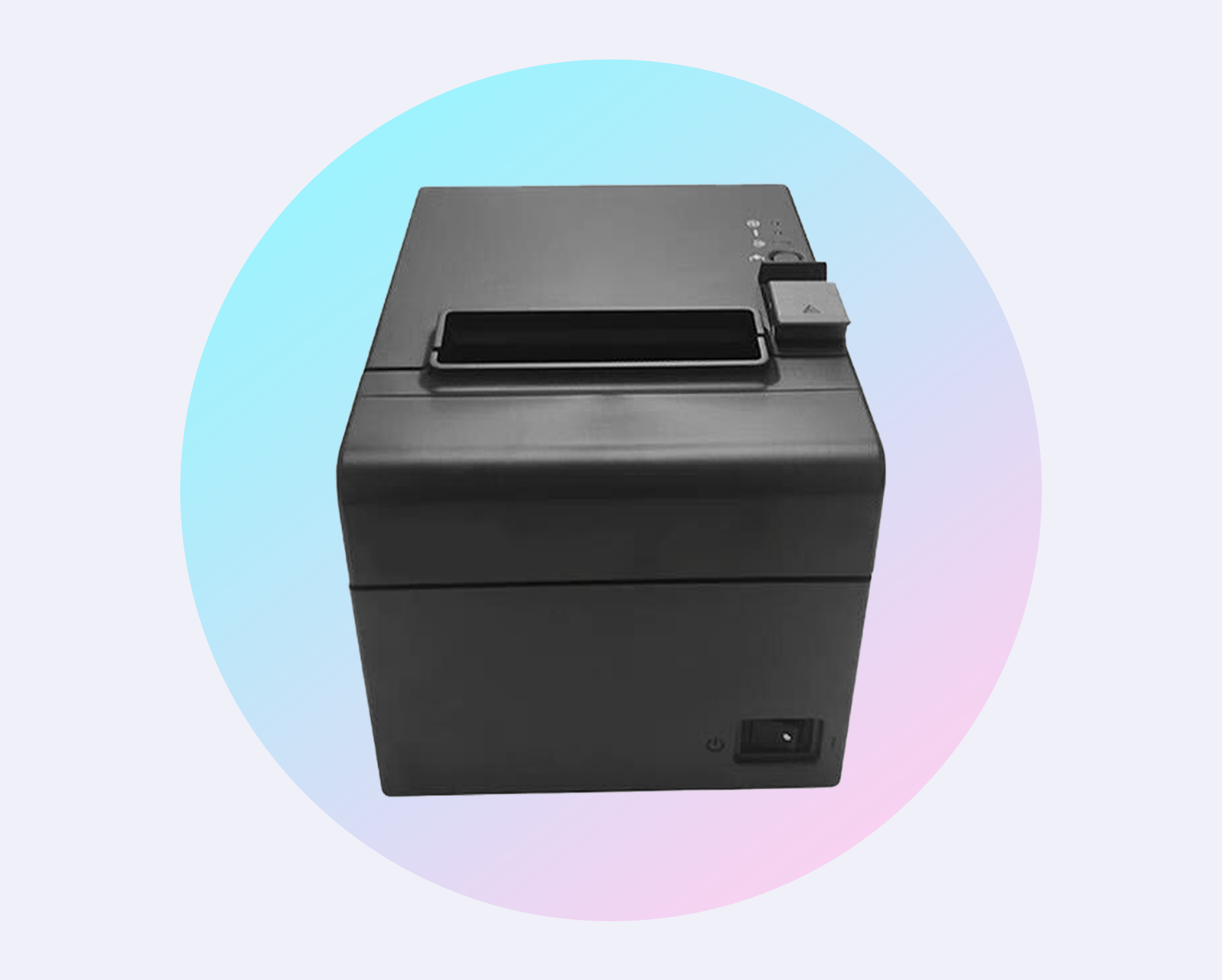
Connect customer receipts, kitchen dockets and Brother labels to one POS workflow. Lazygrid supports every LAN receipt printer using ESC/POS—including EPSON, Xprinter, Star Micronics and Sunmi.
2 × FLAT WHITE
Oat milk · Extra hot
1 × AVO TOAST
No chilli · Takeaway
Printed by Lazygrid
Brother label
Oat latte · L
Order #124 · Chen
Choose by the job
A receipt printer, kitchen printer and label printer solve different service problems. Lazygrid connects each one to the same menu and order data.
Print clear sales receipts and tax invoices at the counter as soon as payment is complete.
Sale total · GST · payment
Send only the relevant items to each prep station, with modifiers, notes and order details included.
Items · modifiers · notes
Use directly integrated Brother printers for drinks, takeaway orders, product barcodes and inventory labels.
Names · barcodes · variants
Compatibility guide
For receipt and kitchen printing, the compatibility rule is simple: the printer needs a LAN interface and ESC/POS support. Lazygrid includes broad protocol adaptation plus custom support for key printer commands.
| Brand / family | Connection | Lazygrid support | Best for | Compatibility note |
|---|---|---|---|---|
| EPSON | LAN | Dedicated support | Receipts & kitchen dockets | Network receipt printers |
| Xprinter | LAN | Dedicated support | Receipts & kitchen dockets | Network receipt printers |
| Star Micronics | LAN | ESC/POS compatible | Receipts & kitchen dockets | LAN models using ESC/POS |
| Sunmi | LAN | ESC/POS compatible | Receipts & kitchen dockets | LAN models using ESC/POS |
| Other brands | LAN | Universal ESC/POS support | Receipts & kitchen dockets | Any LAN receipt printer using ESC/POS |
| Brother Label | Network | Directly integrated | Order, drink & inventory labels | Wi-Fi or LAN depends on model |
Already own a printer? Send the model number and a photo of its connection ports. We can confirm how it should be configured before onboarding.
Check my model →Compatibility guidance last verified 9 August 2026. Firmware and model-specific network options can vary.
Order routing
Lazygrid can print in-store and online orders, then separate items by category group. The kitchen sees food, the bar sees drinks and the counter can print the complete customer receipt.
See online orderingCounter, table, online or kiosk
Category groups and print rules
Kitchen, bar, counter or labels
Clear tickets with useful details
Hospitality workflow
Build a simple one-printer counter or route orders across several prep stations. The same workflow can cover cafés, restaurants, takeaways, bars and food trucks.
Brother label integration
Brother label printers connect directly to Lazygrid. Use them for drink preparation and takeaway packaging, or create scannable product and inventory labels for retail stock.
Name, size, modifiers
Order number and fulfilment
Scannable product identifier
Product and variant details
Before installation
A few details let us confirm compatibility and configure the printer correctly during onboarding.
Use the model number on the back or underside—not just the brand.
Receipt printers need a LAN/Ethernet interface and ESC/POS support.
Decide whether it belongs at the counter, kitchen, bar or packing bench.
A stable network address helps every POS device find the printer consistently.
Printer FAQs
Clear answers about compatibility, routing and connections for a Lazygrid POS setup.
Bring the model number
Tell us what you own—or what you plan to buy—and where you need each printout to go.