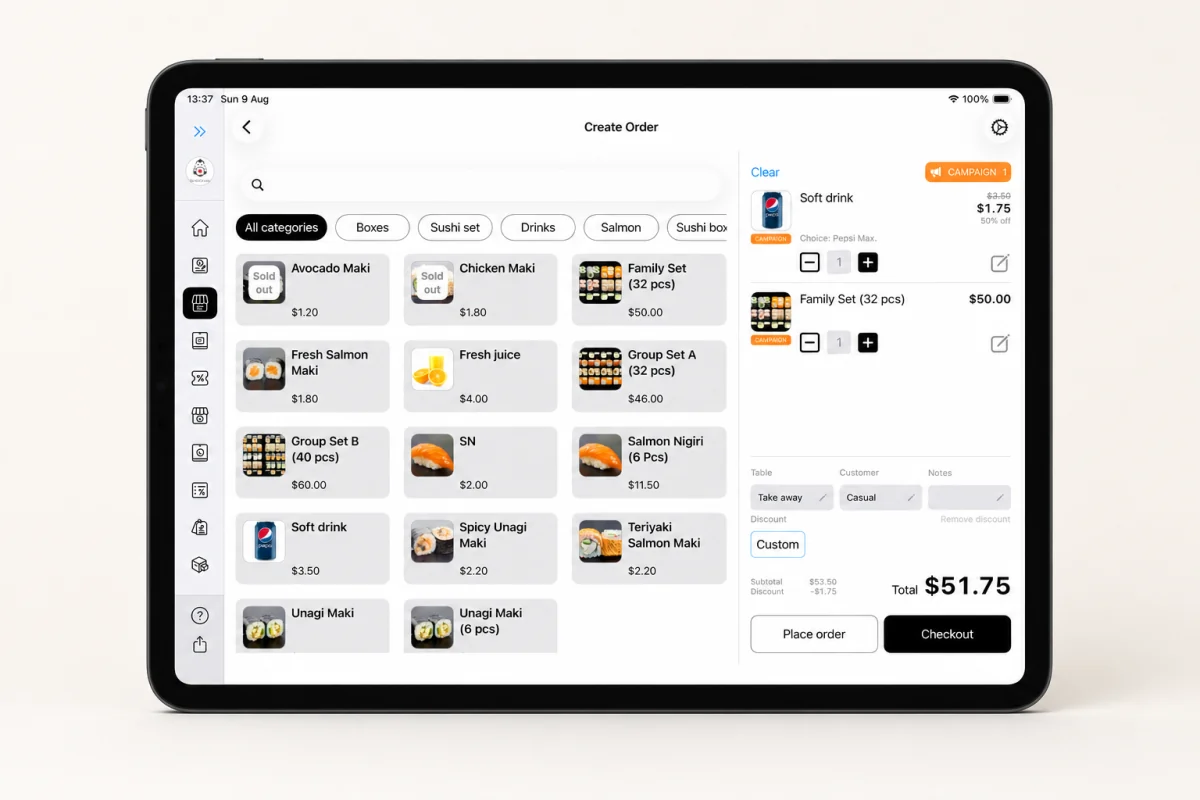
iPad
The flexible everyday POS. Use the larger touch screen at the counter, place it in a stand, or carry it for tableside ordering.
iPadOS 17 or later

Apple-native point of sale
Use an iPad at the counter, carry Lazygrid on iPhone, or run it on an Apple silicon iMac. Your device becomes the POS—without proprietary computer hardware.
iPad
Counter & tableside
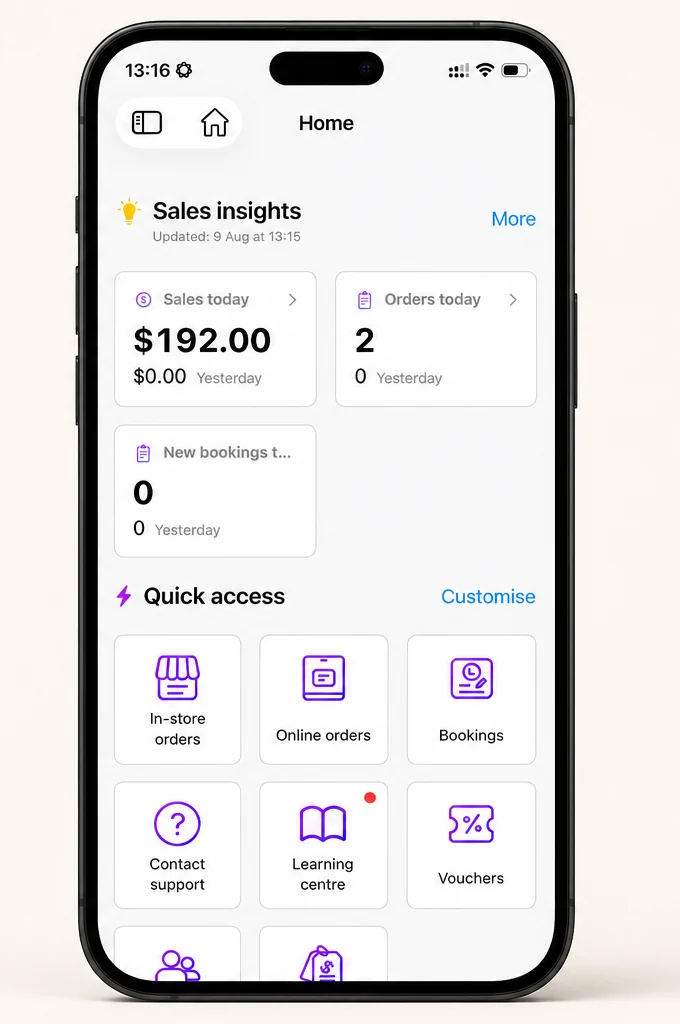
iPhone
Mobile ordering
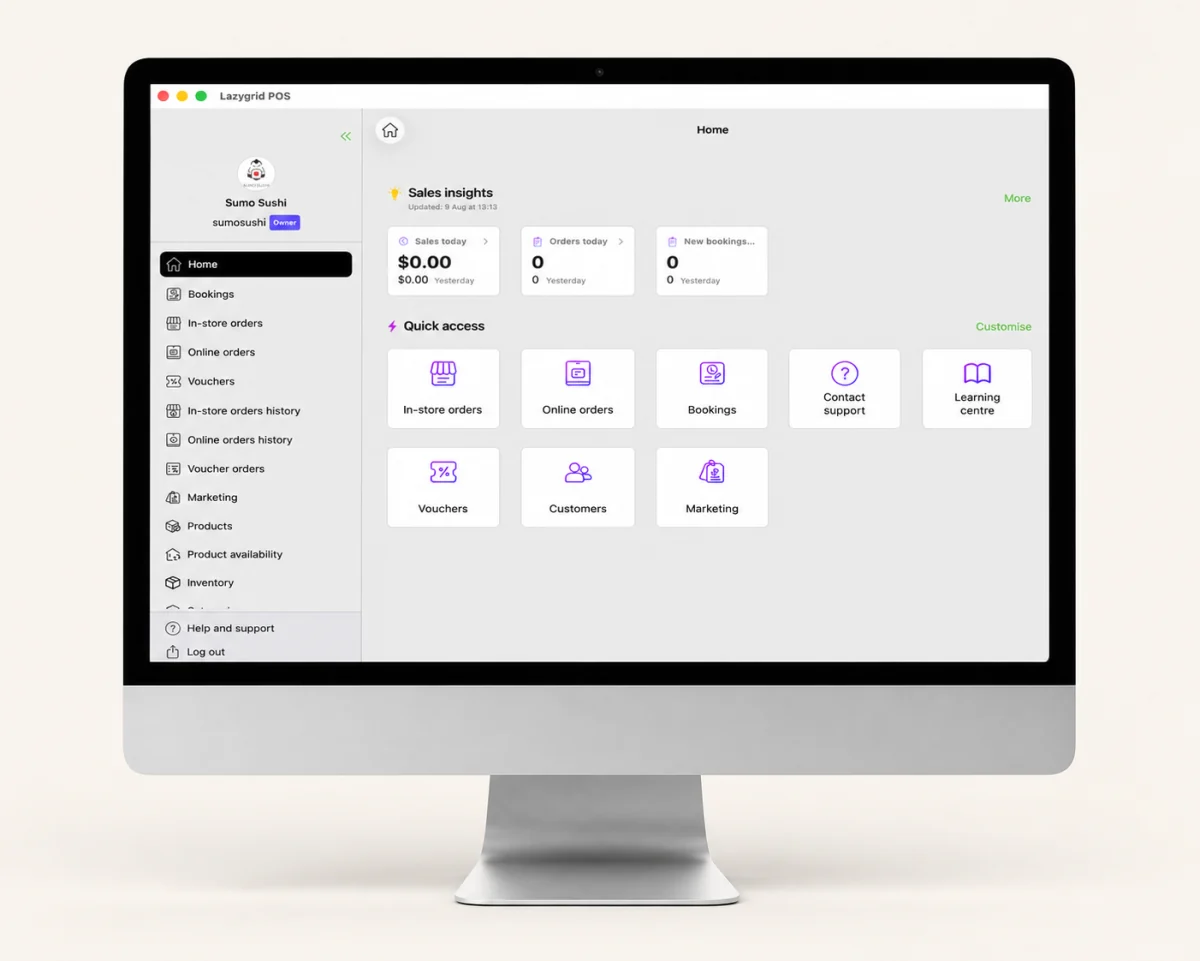
iMac
Fixed station
Bring Your Own POS
Most POS companies want to sell you expensive, proprietary hardware that only works with their software. If you leave, the hardware becomes a paperweight. That's not how it should work.
Lazygrid takes a different approach: bring your own point of sale device. Your iPad, iPhone, or iMac becomes a fully-featured POS terminal. The hardware you already own — or can buy at any Apple store — is all you need. No locked-in contracts, no proprietary terminals, no hidden hardware costs.
This is how modern businesses in New Zealand are setting up their POS — flexible, affordable, and on their own terms.
Compatible Devices
Choose the screen and form factor that fit each job
The flexible everyday POS. Use the larger touch screen at the counter, place it in a stand, or carry it for tableside ordering.
iPadOS 17 or later
The same POS in your pocket. Take orders on the floor, work a market stall, or keep service moving away from the main counter.
iOS 17 or later
A larger fixed workspace for counter service, product and menu management, order handling, analytics and reporting.
Apple silicon · M1 or newer
Device mockups show the real Lazygrid POS interface running across iPad, iPhone and iMac.
Save Money
Even if you need to buy a new iPad ($500 - $900), you're still saving $1,000 - $3,000+ compared to traditional POS hardware — and you get a versatile device that works for much more than just POS.
Why Apple
Apple's hardware and software security protects your business data. Secure Enclave encrypts sensitive information, automatic updates patch vulnerabilities, and App Store review ensures you're running trusted software. Your customers' payment data stays safe.
Apple chips deliver fast, consistent performance — even during the busiest service. iPad and iPhone work naturally for touch-first service, while Apple silicon iMac gives fixed stations a larger workspace.
Most people already know how to use an iPad. That means minimal training time for new staff. Swipe, tap, done. Compared to clunky legacy POS terminals with button mazes, your team will be productive from day one.
Apple supports iPads with software updates for 5-7 years. A single iPad can serve as your POS terminal for years before needing replacement. That's far better than proprietary POS hardware that becomes obsolete when the vendor drops support.
Accessories
No proprietary peripherals — use any compatible hardware
Any thermal receipt printer with an Ethernet port — EPSON, Sunmi, Xprinter, and more. Label printing via Brother printers.
Learn more →Integrated with Windcave, EFTPOS NZ (Verifone), and Shift4. Other terminals work in standalone mode.
Learn more →Standard USB or printer-driven cash drawers. Opens automatically when a cash payment is processed through the POS.
FAQ
Download Lazygrid on iPad, iPhone or an Apple silicon iMac, set up your menu, and start selling — no proprietary computer hardware needed. Free 7-day trial, no credit card required.